- FoodForms
- Easy for everyone
Easy for everyone who comes in
Think about who comes through your door. Some people are older. Some read little English. Many don't have a data plan, and some don't have a phone at all. Your volunteers change every week. FoodForms is built for all of them. Here's how.
No account, no password, nothing to download
The sign-up form is a web page. People open it from a link or by scanning the QR code on a poster. They don't visit an app store or make an account.
The check-in code is theirs
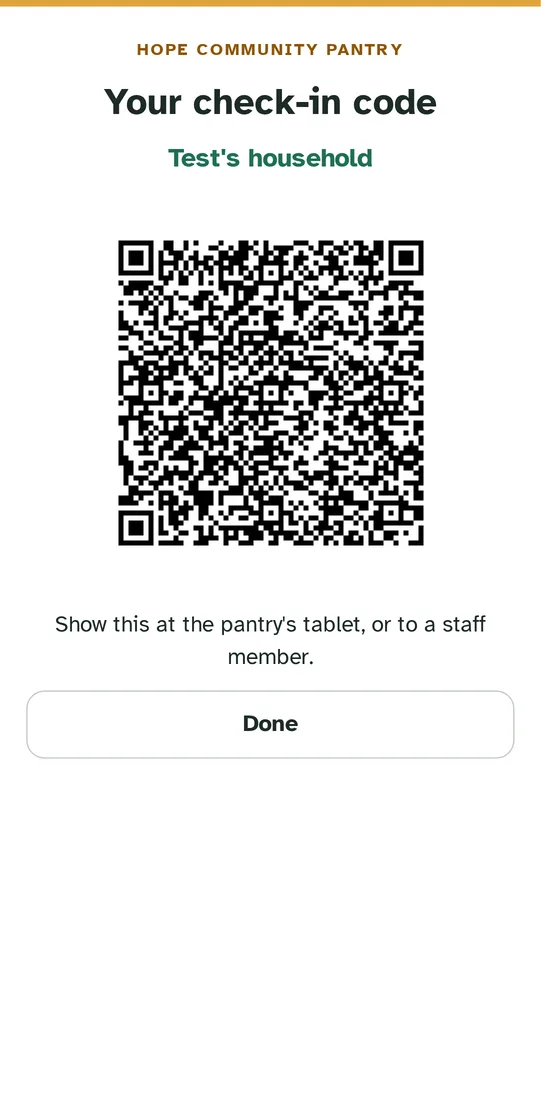
After signing up, people get a check-in code made from their own answers. It stays on their phone. They can save it to their photos or take a screenshot.
One question per screen
Large print, big buttons and plain words. People pick their household size by tapping pictures.
English or Spanish
People choose their language the first time. After that, the form remembers. The state's statements are shown in the language they chose, word for word.
No phone? That's fine.
People can sign up on the tablet at your door, or a volunteer can help them at the table. You don't need a smartphone to use FoodForms.
Easy for new volunteers
A new volunteer can learn it in a few minutes. At the table, they tap Check in and point their phone at the person's code.
Hard to lose your place
If the page reloads, the internet drops or someone taps the wrong thing, what they already typed is still there.
Names stay private at the tablet
When someone types their name at the tablet, it shows at most three matches, with most letters hidden. It doesn't show a list of the people you serve.
Tell us about your pantry
Fill in this form and we'll get back to you. Or email us at hello@foodforms.org.